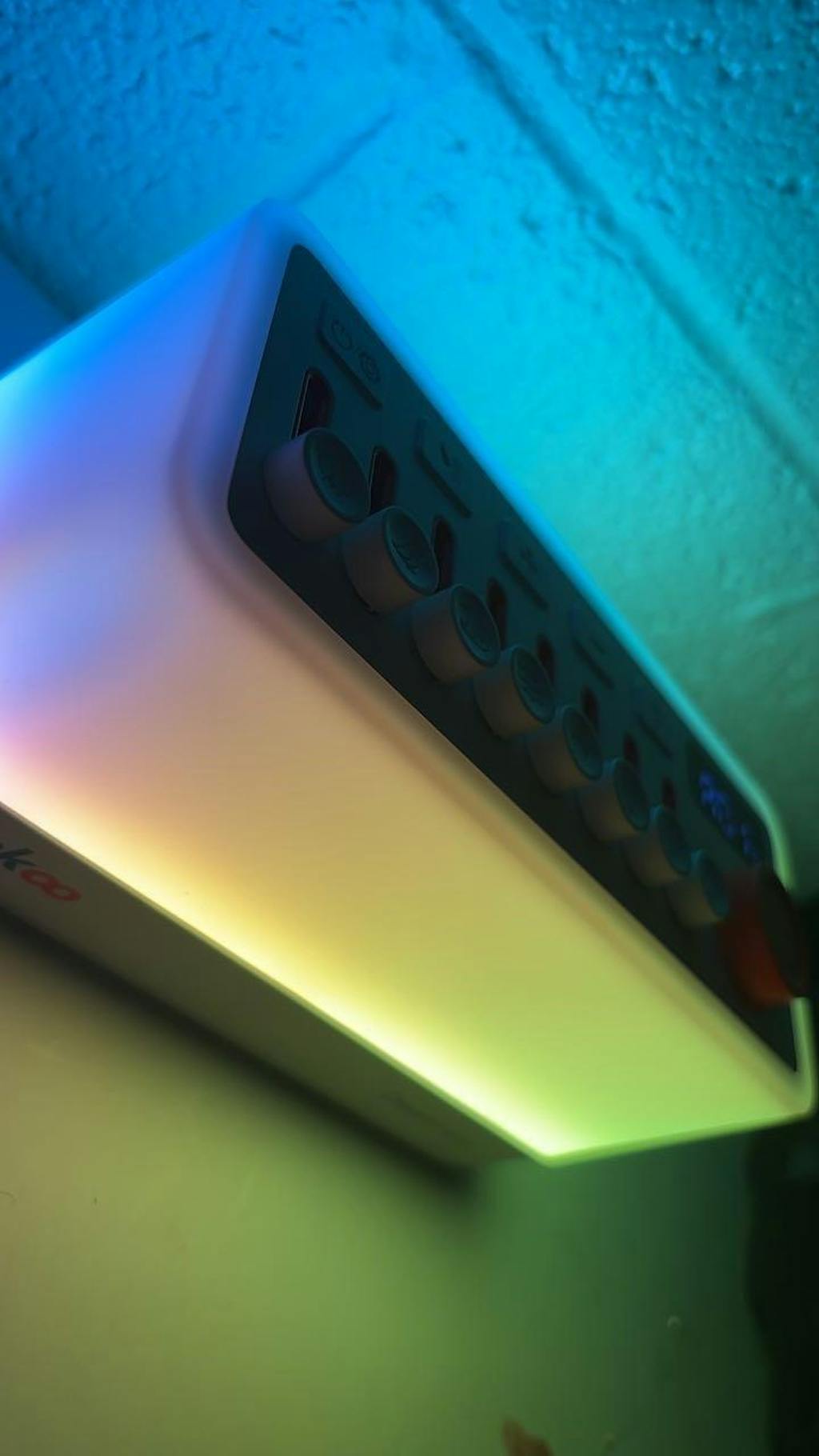
A dimmer night light
The original night light was brighter than we wanted, so we asked for it to be dimmed with nighttime use in mind.


TAKOO Dreammate
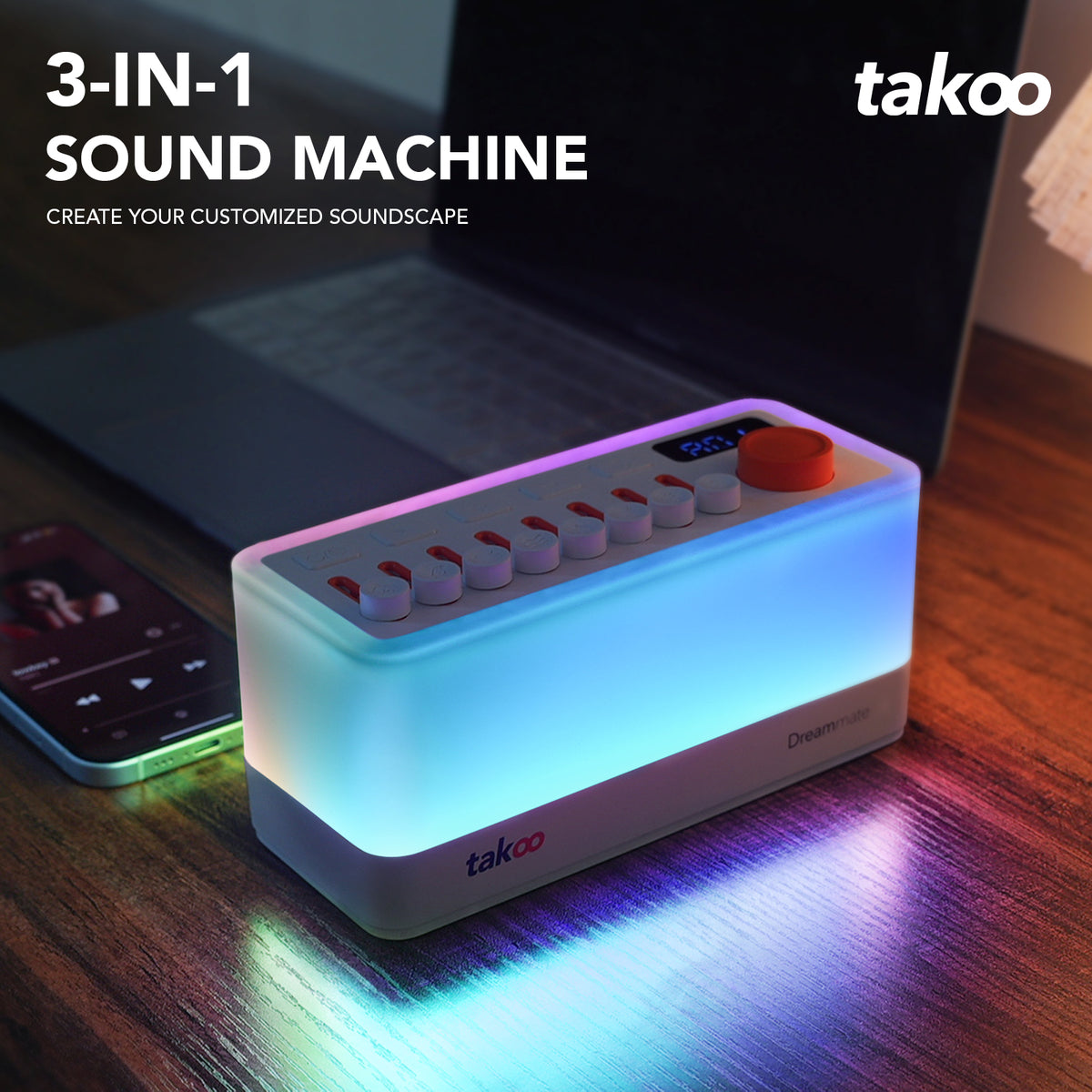




Make your bedside your own with sound and light. Mix eight sounds using independent faders.
Shipping: U.S. orders: Delivery typically takes about 3 calendar days. Orders outside the U.S.: Delivery typically takes about 10–15 calendar days. Delivery times are estimates, not guarantees. Shipping details
Returns: Request within 30 days of receipt. Conditions and exclusions apply; contact support before returning. Return policy Contact support
If your item arrives damaged or develops a fault during normal use, email support@takoo.store with your order number and photos or a video of the issue. Our team will review it and help in line with the applicable policy. Contact us promptly about issues on arrival, and before returning an item.
Read our returns and issues policyTAKOO Dreammate is a rechargeable bedside sound machine with eight mixable built-in sounds, independent volume faders, an adjustable night light and Bluetooth audio playback.
Dreammate has a rechargeable battery, charges through USB-C and supports plug-in use. Follow the device label and supplied user manual.
On a full charge, playback lasts about 6 hours under the tested conditions of 50% volume, lights off and Bluetooth audio playback. Runtime varies with use; this is not a guaranteed runtime for every setting.

THE DETAILS BEHIND DREAMMATE
Dreammate began with an existing factory product. TAKOO worked with the factory to refine it, focusing on nighttime use, sound selection and the controls.
The original night light was brighter than we wanted, so we asked for it to be dimmed with nighttime use in mind.
We were not satisfied with the original sound sources, so we looked for and selected sounds we preferred for everyday listening.
We also refined parts of the button behavior and took a hands-on role in designing the custom product packaging. This is Dreammate's standard packaging, not an additional gift-wrapping service.
DREAMMATE · QUICK START
Start with power and sound, then adjust the light. Use the timer setting when needed.
Dreammate has a built-in rechargeable battery and a USB-C charging connection. Use a USB power supply that matches the rating on the device. Briefly press the power button to turn it on or off.
Use the sound faders to adjust individual sounds and blend the eight sounds into a mix you like.
Hold the timer button to start setting a timer. Turn the orange knob to choose the time, then briefly press the timer button to confirm.

GOOD TO KNOW
Yes. Dreammate lets you blend and adjust eight sounds instead of relying on a single preset loop.
Dreammate has a USB-C charging connection and a built-in rechargeable battery. Use a USB power supply that matches the rating on the device.
Briefly press the power button to turn Dreammate on or off. Briefly press the orange knob to turn the light on or off, hold it to switch light modes, and turn it to adjust the light.
Hold the timer button to start setting a timer. Turn the orange knob to choose the time, then briefly press the timer button to confirm.
Payment options are shown securely at checkout.
Questions about Dreammate or your order? Contact the Takoo team.